TL;DR
Finding the best AI for resume writing for free involves selecting a tool that creates professional, Applicant Tracking System (ATS)-friendly documents. These platforms use artificial intelligence to help you target keywords, generate compelling summaries, and choose effective templates. Top choices like Kickresume, Rezi, and Canva offer robust free or freemium plans that streamline the writing process and boost your chances of landing an interview.
What Defines the 'Best' Free AI Resume Builder?
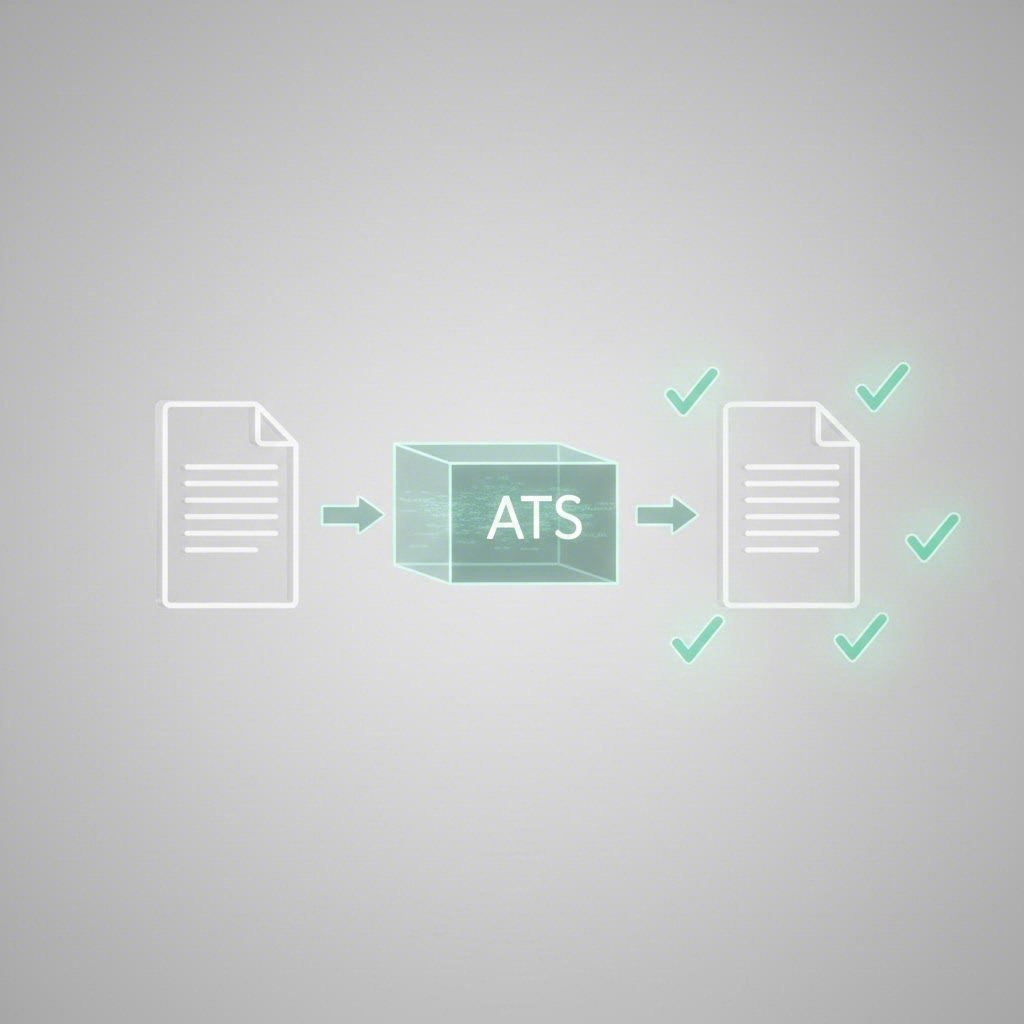
In today's competitive job market, an AI resume builder is a powerful tool designed to streamline the creation of a professional resume. These platforms leverage artificial intelligence to guide you through formatting, content generation, and optimization. The primary benefit is their ability to help you create a resume that can successfully pass through an Applicant Tracking System (ATS), the software used by most companies to filter candidates. By analyzing your experience and the job description, these tools ensure your resume highlights the most relevant skills and keywords.
The core technology behind these builders focuses on a few key areas. First is content generation, where AI suggests impactful bullet points and professional summaries tailored to your industry. Second is keyword optimization, which involves scanning a job posting to identify crucial terms and ensuring they are naturally integrated into your resume. This significantly increases the likelihood of your application being seen by a human recruiter. Finally, they provide professionally designed, ATS-friendly templates that ensure your information is presented clearly and logically.
Using an AI builder saves significant time and helps overcome writer's block. However, it's important to be aware of the potential downsides. Over-reliance on AI can lead to generic phrasing that lacks a personal touch. Recruiters can often spot resumes filled with unsupported buzzwords. Therefore, the best approach is to use the AI-generated content as a strong first draft and then personalize it with specific, quantifiable achievements. When selecting a free tool, you should look for a balance of powerful AI features and the flexibility to make the final document truly your own.
To make an informed choice, consider the following essential features:
- ATS-Friendly Templates: The builder should offer clean, professional templates that are easily parsed by screening software. Avoid overly creative designs with columns or graphics that can confuse an ATS.
- AI-Powered Content Suggestions: Look for tools that provide well-written, industry-specific bullet points and summaries that you can adapt.
- Keyword Optimization: A top-tier tool will allow you to paste a job description and receive suggestions for keywords to include in your resume.
- Customization and Flexibility: You should be able to reorder sections, change fonts, and adjust spacing to create a document that fits your needs.
- Download Options: A truly free builder allows you to download your final resume as a PDF or Word document without hidden fees or watermarks.
Top Free AI Resume Builders: A Detailed Comparison
Navigating the options for free AI resume builders can be overwhelming. To simplify your choice, we've analyzed some of the top contenders based on their features, usability, and the quality of their free offerings. Each tool has unique strengths, whether it's advanced ATS optimization, creative design, or an all-in-one job search toolkit. The following table provides a quick overview, followed by a detailed breakdown of each platform.
| Tool | Best For | Key AI Feature | Free Plan Limits |
|---|---|---|---|
| Rezi | ATS Optimization | Real-time content analysis and keyword targeting | 1 resume, limited template access, 3 downloads |
| Kickresume | Creative Professionals & Ease of Use | AI resume generator from job title | 1 complete AI-generated resume |
| Canva | Design Flexibility | Vast library of templates (AI features in Pro) | Many free templates, manual input required |
| Teal | Integrated Job Searching | Job description matching and keyword suggestions | Unlimited resumes, limited AI suggestions |
| Jobscan | ATS Compatibility Checks | Resume scoring against job descriptions | 5 resume scans per month |
1. Rezi
Rezi stands out for its laser focus on helping users beat the ATS. The platform's interface is clean and guides you step-by-step through the resume-building process. Its AI-powered features, such as the keyword targeting tool and real-time content analysis, provide instant feedback to help you tailor your resume for a specific role. This makes it an excellent choice for job seekers applying to large corporations that rely heavily on automated screening.
Pros
- Excellent ATS Guidance: The entire platform is built around ensuring your resume is machine-readable and optimized with the right keywords.
- Real-Time Feedback: Rezi scores your resume as you write, offering actionable suggestions for improvement.
- AI Content Generation: The AI bullet point and summary writers provide strong, industry-specific starting points.
Cons
- Restrictive Free Plan: The free version limits you to one resume and few templates, pushing users toward a paid plan for full functionality.
- Limited Design Variety: Templates are professional but prioritize function over form, offering less creative flexibility than other tools.
2. Kickresume
Kickresume offers a fantastic balance of powerful AI, user-friendly design, and creative flexibility. Its standout feature is the ability to generate a complete first draft of a resume based solely on your job title. This makes it incredibly fast to get started. According to a review on their own site, the tool is praised for its smooth process and relevant AI-generated content. With a wide array of professionally designed templates, it appeals to a broad range of industries, from corporate to creative.
Pros
- Generous Free Plan: Allows you to create a complete, downloadable AI-generated resume without a subscription.
- Intuitive Interface: The process is straightforward, with helpful tips and a clean layout that makes editing easy.
- High-Quality Templates: Offers a diverse selection of visually appealing templates designed by typographers.
Cons
- Requires Personalization: While the AI draft is a great start, it requires manual tweaking to add specific achievements and personal details.
- Creative Templates May Not Be ATS-Friendly: Some of the more stylized templates use elements that could be challenging for older ATS software.
3. Canva
While not a dedicated AI resume writer in its free version, Canva is a design powerhouse that offers one of the most extensive libraries of free resume templates available. As noted by Resume Genius, it's a designer's dream for creating a visually striking resume. If you have your content ready and want maximum control over the look and feel of your document, Canva is an unbeatable free option. Its drag-and-drop interface makes customization simple for everyone.
Pros
- Unmatched Template Variety: Offers thousands of templates for virtually any industry or style preference.
- Highly Customizable: Provides complete control over fonts, colors, layouts, and graphical elements.
- Completely Free to Use: The core resume-building and downloading functionality is free, with a vast selection of free templates.
Cons
- No AI Writing Assistance: You must write all the content yourself, as Canva does not offer AI-generated text suggestions in its free tier.
- Risk of Poor ATS Compatibility: Many templates use graphics, columns, and other elements that may not be parsed correctly by ATS.
4. Teal
Teal is more than just a resume builder; it's a comprehensive job search management platform. Its free AI resume builder is designed to work in tandem with its job application tracker. You can save job postings, and Teal's AI will analyze them to suggest keywords and skills to include in your resume. This integrated approach helps you stay organized and ensures each application is highly tailored to the role.
Pros
- Integrated Job Tracker: Seamlessly connects your resume building with your job search efforts.
- Strong Keyword Matching: The AI excels at comparing your resume to a job description and providing a compatibility score.
- Unlimited Resumes: The free plan allows you to create and download an unlimited number of resumes.
Cons
- Limited Free AI Features: Advanced AI-powered writing suggestions are mostly reserved for the paid Teal+ plan.
- Basic Template Designs: The templates are professional and ATS-friendly but lack the design variety of other builders.
5. Jobscan
Jobscan's primary mission is to help your resume get past the ATS. While it offers a basic resume builder, its real strength lies in its analysis tools. You can upload your resume and a job description, and Jobscan will provide a detailed report on how well you match the role, highlighting missing keywords, skills, and formatting issues. The free plan is generous enough to be highly useful for anyone serious about optimizing their applications.
Pros
- In-Depth ATS Analysis: Provides one of the most comprehensive resume scans available, giving you a clear path to improvement.
- Focus on Keywords: Excels at identifying the exact terms recruiters and automated systems are looking for.
- Helpful Free Plan: The free monthly scans are invaluable for tailoring your resume for your most important applications.
Cons
- Very Basic Builder: The resume-building feature itself is not as advanced or user-friendly as dedicated builders.
- Limited Template Options: The focus is on content and optimization, not on visual design.
An Alternative Path: Using ChatGPT for Your Resume
Beyond dedicated resume builders, you can also use general-purpose AI tools like ChatGPT to assist with your resume. As an article from Coursera explains, ChatGPT excels at generating text but is not a resume builder itself. This means it won't provide you with a formatted template; you'll need to find one separately and then copy and paste the content ChatGPT generates. This approach offers ultimate flexibility but requires more hands-on work.
The main advantage of using ChatGPT is its conversational power. You can provide it with detailed information about your work history, skills, and the job you're targeting, and it can craft highly specific content. You can ask it to rewrite bullet points to be more achievement-oriented, draft a compelling professional summary, or even suggest skills you might have overlooked. This process is iterative, allowing you to refine the text until it perfectly captures your professional story.
However, this method has its drawbacks. The biggest is the manual formatting, which can be time-consuming. You are also responsible for ensuring the final document is ATS-friendly. Furthermore, ChatGPT's output can sometimes sound generic or use phrasing that recruiters recognize as AI-generated. It is crucial to edit the text to inject your own voice and verify that all claims are accurate and specific to your accomplishments.
To use ChatGPT effectively for your resume, follow these steps:
- Find a Professional Template: Start by selecting a clean, ATS-friendly resume template in a program like Microsoft Word or Google Docs.
- Provide Detailed Prompts: Give ChatGPT as much context as possible. Include your entire work history, key achievements, skills, education, and the full job description of the role you're applying for.
- Ask for Specific Tasks: Use targeted prompts. For example, you could ask, "Rewrite these three bullet points from my last job to highlight my impact on revenue, using metrics," or "Write a professional summary for a marketing manager with 5 years of experience, tailored to this job description."
- Refine and Personalize: Treat the AI-generated text as a first draft. Review every line to ensure it's accurate, sounds authentic, and is free of clichés. Add specific numbers and results to quantify your achievements.
Best Practices for Using Any AI Resume Tool
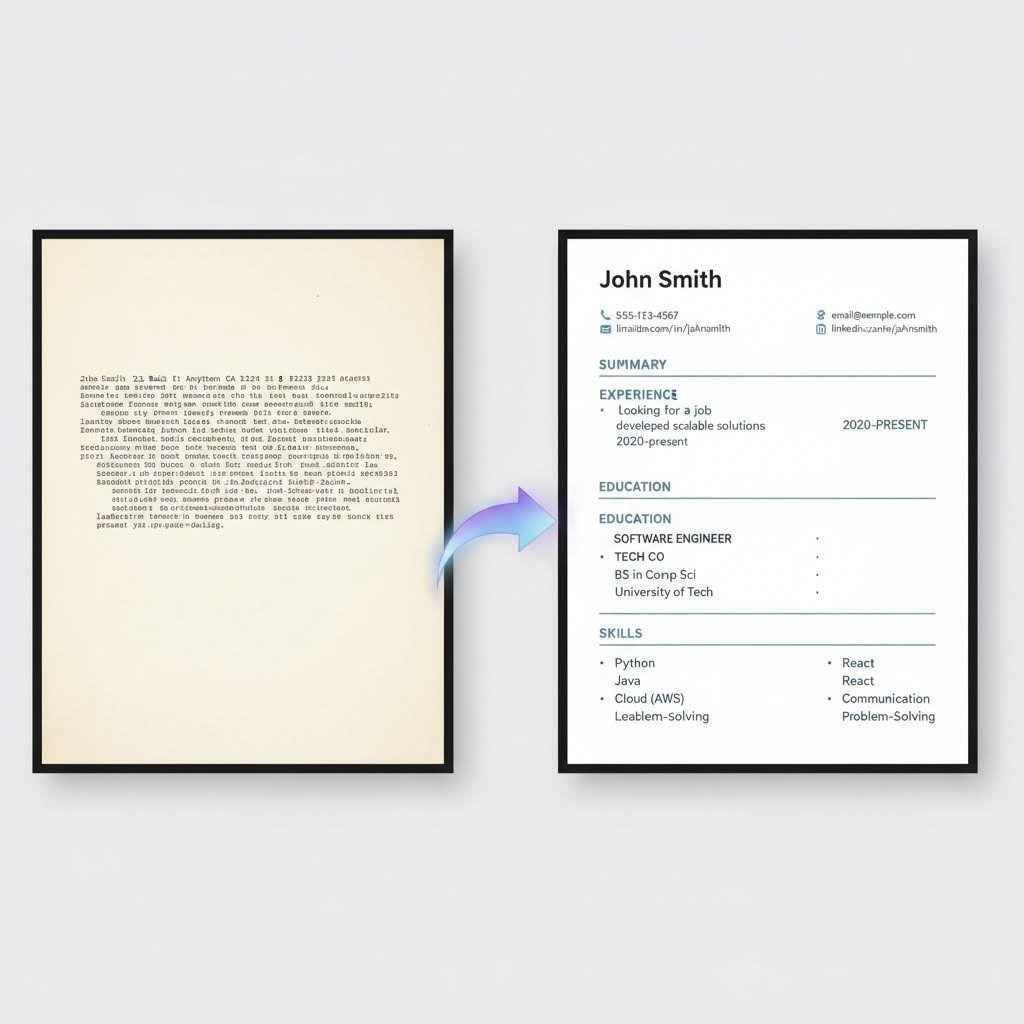
Artificial intelligence is a powerful assistant in the job search, but it's not a substitute for your personal insight and effort. To create a resume that truly stands out, you must treat AI as a collaborator, not a creator. The goal is to enhance your unique professional story, not replace it with a generic, machine-generated script. Whether you use a dedicated builder or a tool like ChatGPT, human oversight is essential for transforming a good draft into a great, interview-winning resume.
The most common mistake job seekers make is accepting the AI's output without critical review. AI-generated content can sometimes be vague, contain clichés, or even include inaccuracies. A discerning recruiter can often spot a resume that lacks a human touch. As one expert in an article from Rezi points out, personalization is key. Your resume should reflect your personality and highlight contributions that are uniquely yours. Use the AI to handle the heavy lifting of formatting and initial phrasing, but take the time to infuse the document with your voice and specific achievements.
Before you hit 'submit' on any application, run through this final checklist to ensure your AI-assisted resume is polished and effective:
- Personalize the Summary: Rewrite the professional summary to reflect your genuine career goals and personality. This is your elevator pitch—make it count.
- Quantify Your Achievements: Replace vague responsibilities with concrete results. Instead of "Managed social media," try "Grew social media engagement by 45% over six months by implementing a new content strategy."
- Proofread Meticulously: Read every word of the resume out loud to catch typos, grammatical errors, and awkward phrasing that the AI might have missed.
- Tailor Keywords for Each Job: Even with an AI tool, manually review the job description and ensure the most important keywords are integrated naturally throughout your resume.
- Verify Formatting: Double-check that the final PDF or document looks clean, is easy to read, and has no formatting errors. Ensure it's a single page unless you have over 10 years of experience.
Frequently Asked Questions
1. What is the best free AI tool for resume writing?
The "best" free AI tool depends on your specific needs. For users prioritizing ATS compatibility and keyword optimization, Rezi or Jobscan are excellent choices. If you value design flexibility and have strong content already, Canva's free template library is unparalleled. For a great all-around experience that balances AI assistance with high-quality design, Kickresume offers a powerful and user-friendly free option.
2. Do employers know I used an AI resume builder?
Employers are unlikely to know or care that you used a builder, as long as the final product is professional and accurately reflects your experience. However, experienced recruiters can often spot resumes that rely too heavily on generic, unedited AI-generated content. Telltale signs include overuse of buzzwords without specific examples, a lack of personality, and phrasing that feels robotic. To avoid this, always personalize the AI's suggestions and quantify your achievements.
3. Can ChatGPT write a resume?
Yes, ChatGPT can write the text content for a resume, and it can be very effective for drafting summaries, rewriting bullet points, and tailoring your experience to a job description. However, it is not a resume builder; it cannot create a formatted document. You will need to find a separate template and manually paste the text into it, which requires extra time and attention to ensure the final resume is well-designed and ATS-friendly.