

TL;DR
Changing keywords on your website is a strategic process, not just a simple find-and-replace. It involves researching the right terms your audience uses and then integrating them into specific, high-impact areas of your site. The most important places to update include your page titles, URLs, headings, body content, and image alt text. A successful keyword change improves your site's relevance for search engines and helps you attract the right kind of traffic.
Foundations: Understanding Keyword Strategy Before You Start
Before you change a single word on your website, it’s crucial to understand what SEO keywords are and how they function. Keywords are the terms and phrases that potential visitors type into search engines like Google. According to Google's own SEO guide, helping search engines understand your content is the core of optimization. When your site’s content aligns with these search queries, you have a much better chance of appearing in the search results.
Keywords generally fall into two categories. Head keywords (or short-tail) are broad, one- or two-word phrases like "running shoes" or "coffee maker." They have high search volume but are also highly competitive. Long-tail keywords are longer, more specific phrases like "best waterproof trail running shoes for men" or "drip coffee maker with thermal carafe." These have lower search volume but often convert better because they capture a user's specific intent.
A solid strategy is the foundation of any successful keyword update. Instead of guessing, follow a structured approach to ensure your efforts pay off. Many experts, including the team at Squarespace, recommend a simple four-step process:
- Brainstorm: Start by creating a broad list of terms related to your business, products, and target audience. Think about the problems you solve and the language your customers use.
- Refine: Narrow down your list to the most relevant and achievable keywords. Consider a mix of head and long-tail terms. Use free tools like Google Trends or paid tools to analyze search volume and competition.
- Add: Integrate your chosen keywords into your website's content and technical elements. We'll cover exactly where to do this in the next section.
- Track: Monitor your results using tools like Google Search Console. SEO is an ongoing process, and tracking performance helps you understand what's working and where you need to adjust.
Remember, the goal isn't to trick the algorithm but to create valuable, relevant content for your audience. Avoid "keyword stuffing"—unnaturally forcing keywords into your text. Modern search engines are smart enough to recognize synonyms and context, so focus on writing clear, helpful content that naturally incorporates your target phrases.
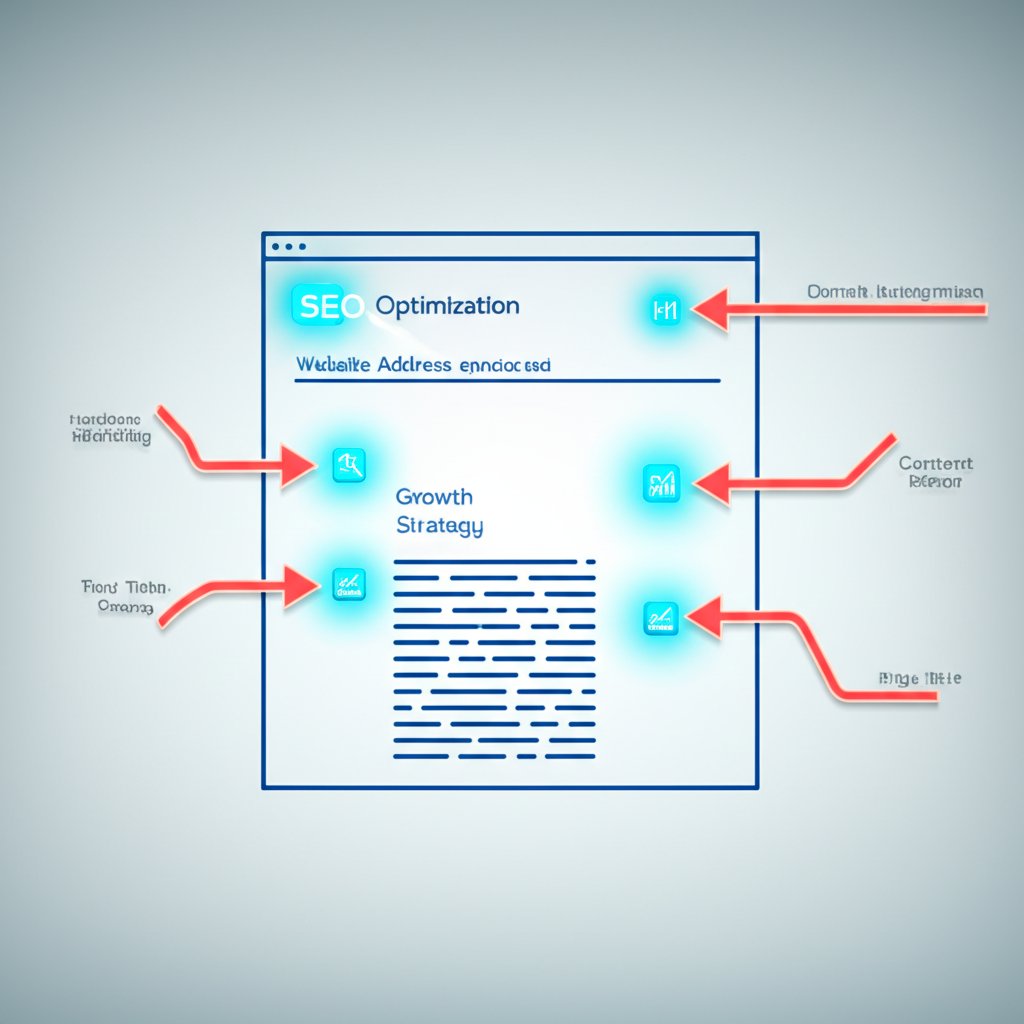
The 7 High-Impact Places to Change Keywords on Your Website
Once you have your keyword strategy, the next step is implementation. Updating keywords effectively means placing them in the specific locations that search engines and users rely on for context. Focusing your efforts on these high-impact areas will yield the best results. Here is a checklist of the seven most important places to change keywords on your website, based on best practices from SEO experts at sources like Pressable.
- Page URLs: The URL is your page's digital address. A clean, descriptive URL that includes your primary keyword helps both users and search engines understand the page's topic at a glance. For example, a URL like `your-site.com/blog/vegan-dog-food-guide` is far more effective than `your-site.com/blog/post-123`.
- Title Tags (Meta Titles): The title tag is one of the most powerful on-page SEO signals. It appears as the clickable headline in search results and in the browser tab. Your primary keyword should be placed as close to the beginning of the title tag as possible while still sounding natural.
- Meta Descriptions: While not a direct ranking factor, the meta description is your sales pitch in the search results. A compelling description that includes your keyword can significantly boost your click-through rate. It should accurately summarize the page's content and entice the user to learn more.
- Headings (H1, H2, etc.): Headings structure your content for readers and search engines. Your page should have only one H1 tag, which should contain your primary keyword. Use H2 and H3 tags for subheadings, incorporating secondary or related keywords to build topical relevance.
- Body Content: Your keywords should appear naturally throughout your body text, especially within the first 100-200 words. Focus on creating high-quality, informative content that addresses the user's search intent. For marketers looking to scale content creation, tools can help. Marketers and creators can revolutionize their workflow with BlogSpark, an AI blog post generator that transforms ideas into engaging, SEO-optimized articles in seconds, ensuring your content is both unique and keyword-rich.
- Image Alt Text: Alt text (alternative text) describes an image for screen readers and search engines. It's an excellent opportunity to include your keyword when it accurately describes the image. For instance, alt text like `bag-of-holistic-vegan-dog-food` is much better than `image-001.jpg`.
- Internal Links (Anchor Text): Internal links connect pages within your own website. The clickable text you use for these links, known as anchor text, should be descriptive and sometimes include the keyword of the page you're linking *to*. This helps search engines understand the relationship between your pages and spreads authority throughout your site.
How to Safely Change Your Website's Main Keyword
Sometimes, a simple keyword update isn't enough. You might need to pivot your entire website's focus, changing your main target keyword from, for example, "used cars" to "certified pre-owned EVs." This is a significant strategic shift that, if handled incorrectly, can decimate your existing search rankings. The common mistake is to simply go through your existing pages and replace the old keyword with the new one. This often fails because the original content, structure, and user intent of the page may not align with the new keyword.
The safer, more effective strategy is to build new, dedicated pages that are highly relevant to your new core keyword. Instead of rewriting an old page about "used cars," you would create a brand-new, comprehensive landing page specifically about "certified pre-owned EVs." This new page should be built from the ground up with the new keyword's search intent in mind, featuring tailored content, images, and headings.
Follow these steps for a safe transition:
- Create New, Targeted Content: Develop high-quality pages (or a new hub of pages) that are laser-focused on your new primary keyword. Ensure this content is more valuable and comprehensive than what your competitors offer.
- Optimize the New Pages: Apply all the on-page SEO best practices to these new pages, ensuring the new keyword is correctly placed in the URL, title tag, H1, content, and other key locations.
- Implement 301 Redirects (If Necessary): If an old page is now truly obsolete and has a direct equivalent in your new content, implement a permanent 301 redirect from the old URL to the new one. This tells search engines that the page has moved permanently and passes most of the old page's authority to the new one. Use this cautiously; only redirect if the new page is a genuine replacement.
- Update Internal Links: Go through your website and update internal links. Change links that pointed to old, less relevant pages to point to your new, highly targeted content. This helps both users and search engines discover your new pages.
This method requires more effort, but it protects your existing rankings while you build authority for your new target keywords. It allows you to compete for a new market without sacrificing the traffic you've already earned.

After the Change: Monitoring Your SEO Performance
Your work isn't finished once you've updated your keywords. The final, critical step is to monitor your performance to understand the impact of your changes and ensure search engines recognize your new focus. Ignoring this step is like navigating without a map; you won't know if you're heading in the right direction. The primary tool for this job is Google Search Console, a free service that gives you direct insight into how Google sees your site.
First, you need to let Google know you've made significant updates. While Google will eventually re-crawl your site on its own, you can speed up the process. In Google Search Console, use the URL Inspection tool to submit your updated pages. This requests that Google re-index your content, which can help your changes appear in search results more quickly. This is especially important for major page updates or when changing a core keyword.
After requesting a re-index, your focus should shift to tracking key metrics. In Google Search Console, pay close attention to the Performance report. Here, you can monitor impressions, clicks, average click-through rate (CTR), and average position for your target keywords. You should be looking for a gradual increase in impressions and clicks for your new keywords and a stable or improving position. This data provides concrete evidence of whether your new keyword strategy is working.
Here is a simple checklist for your post-change monitoring:
- Submit Updated URLs: Use the URL Inspection tool in Google Search Console to request re-indexing for any pages with significant keyword changes.
- Monitor Keyword Rankings: Track the search positions for your new target keywords. Are they starting to appear in the results? Is their position improving over time?
- Analyze Website Traffic: Use Google Analytics or your site's built-in analytics to see if traffic to your updated pages is increasing. Look at the organic search channel specifically.
- Check for Crawl Errors: Keep an eye on the Coverage report in Google Search Console to ensure there are no new errors preventing Google from accessing your updated pages.
SEO results don't happen overnight. It can take several weeks or even months for search engines to fully process your changes and for rankings to stabilize. Be patient, continue to monitor your performance, and be prepared to make further refinements based on the data you collect.
Frequently Asked Questions
1. How do I edit keywords?
Editing keywords isn't about changing a list in a single settings panel. Instead, it involves updating the actual content and technical elements on your pages. You should integrate your new keywords into key areas like your page title, URL, H1 heading, body copy, image alt text, and meta description. The process is about strategically weaving your chosen terms into your website's fabric where they are most visible to both users and search engines.
2. Is SEO hard for beginners?
SEO can seem overwhelming at first, but the basics are not necessarily hard to learn. While mastering advanced SEO requires significant time and effort, beginners can achieve a noticeable impact by focusing on fundamental principles like creating high-quality content, choosing relevant keywords, and applying on-page best practices. Consistency and a willingness to learn are key, but you don't need to be an expert to start making meaningful improvements.
3. How to set up keywords for a website?
Setting up keywords for a website follows a four-step strategic process. First, brainstorm a comprehensive list of terms your potential customers might use. Second, refine this list by researching search volume and relevance to find the best opportunities. Third, add these keywords naturally to important areas of your site. Finally, track your results using analytics tools to understand what's working and continue to optimize over time.


