

TL;DR
To index your site on Bing, you must use the free Bing Webmaster Tools. The core process involves creating an account, adding your website, and verifying ownership. Once verified, you can submit your URLs for discovery using methods like the highly recommended IndexNow protocol, the URL Submission API, or manual entry directly in the dashboard.
A Step-by-Step Guide to Submitting Your Site to Bing
Getting your website to appear in Bing search results starts with a crucial first step: formally introducing your site to the search engine. This process is managed through Bing Webmaster Tools, a powerful and free platform that gives you insights into your site's health and performance. Following these steps ensures Bing knows your site exists and can begin the process of crawling and indexing your content.
The initial setup is straightforward and designed to establish you as the legitimate owner of the website. This verification is essential for accessing submission tools and performance data. Think of it as getting the keys to your site's control panel within the Bing ecosystem. Without this step, you cannot actively manage how Bing interacts with your property.
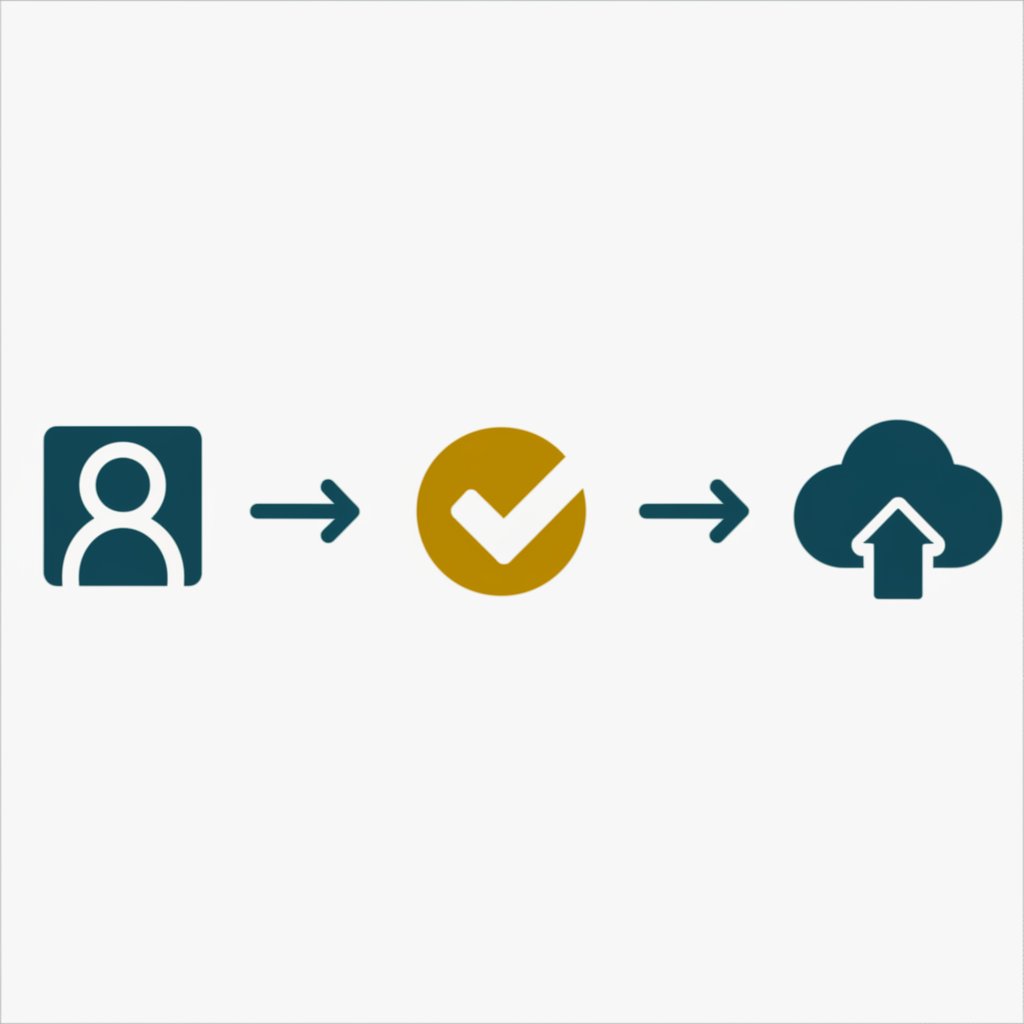
Here is the foundational process to get your site registered and verified:
- Create a Bing Webmaster Tools Account: Navigate to the Bing Webmaster Tools website and sign up for a free account. You can use a Microsoft, Google, or Facebook account to log in.
- Add Your Site: Once logged in, you will be prompted to add a site. You have two options: import your site from Google Search Console, which is the fastest method if you're already set up there, or add your site manually by entering its URL.
- Verify Site Ownership: Verification proves you own the website. Bing offers several methods to accomplish this. Each method is designed for different technical setups, but all achieve the same goal.
Choosing a verification method depends on your comfort level and access to your site's backend. The most common options include:
- XML File Authentication: Bing provides a `BingSiteAuth.xml` file for you to download. You must upload this file to the root directory of your website. This is often a simple drag-and-drop action in your hosting control panel's file manager.
- HTML Meta Tag Authentication: This method involves copying a line of HTML code provided by Bing and pasting it into the `
- CNAME Record to DNS: For more technical users, you can add a CNAME record to your domain's DNS settings. This involves logging into your domain registrar (like GoDaddy, Namecheap, etc.) and modifying your DNS records.
Once you complete one of these methods and Bing confirms it, your site is officially verified. You now have full access to the tools needed to submit your URLs and monitor your site's presence on the search engine.
Choosing Your Submission Method: IndexNow, API, or Manual
After verifying your site, the next step is to tell Bing which pages to index. Bing offers several methods to submit your URLs, each tailored to different needs, from instant, automated notifications to manual, single-page submissions. Understanding these options helps you choose the most efficient strategy for your website's size and publishing frequency.
The most modern and recommended approach is IndexNow. This open-source protocol allows websites to instantly notify multiple search engines, including Bing, whenever content is created, updated, or deleted. It's a "push" method, meaning your site actively informs search engines of changes, rather than waiting for them to crawl and discover them. Many popular CMS platforms and CDNs have integrated IndexNow, making it a set-and-forget solution for most website owners.
For those with custom systems or specific needs, the URL Submission API offers a more direct line to Bing. This method allows you to programmatically send batches of URLs, making it ideal for large sites with custom publishing workflows. Finally, for quick, one-off submissions, the manual tool within the Webmaster Tools dashboard is always available. You can submit up to 10,000 URLs per day through the API or manual tool.
To help you decide, here is a comparison of the primary submission methods:
| Method | Speed | Automation | Scalability | Best Use Case |
|---|---|---|---|---|
| IndexNow | Instant | Fully Automated | Excellent | Most websites, especially those on modern CMS platforms (e.g., WordPress, Wix). |
| URL Submission API | Fast (programmatic) | Requires custom development | Very High | Large-scale websites, custom CMS, or publishing systems needing granular control. |
| Manual Submission | Fast (for single URLs) | None (fully manual) | Low | Submitting a single new page, updating a critical piece of content, or resubmitting a page after fixing errors. |
For the vast majority of users, enabling IndexNow is the most effective and efficient choice. It ensures your latest content gets discovered by Bing and other participating search engines almost immediately without any ongoing manual effort. If your platform doesn't support it, submitting a sitemap and using the manual tool for important updates is a solid alternative.
Troubleshooting Common Bing Indexing Issues
Sometimes, even after submitting your site, you may find your pages are not appearing in Bing's search results. Indexing is not guaranteed, and several common technical and quality-related issues can prevent a page from being included. The first step in diagnosing any problem is to use the URL Inspection tool in Bing Webmaster Tools, which provides detailed crawl and index information for a specific URL.
If the tool doesn't reveal an obvious error, you can investigate several potential culprits. One of the most common issues is a misconfigured `robots.txt` file. This small text file in your site's root directory can contain rules that inadvertently tell Bing's crawler, Bingbot, to stay away. A rule like `Disallow: /` effectively blocks the entire site from being crawled. Similarly, a meta tag in your page's HTML, ``, explicitly tells search engines not to add that page to their index. Always check for these directives if your pages are missing.
Another factor is your site's overall authority and structure. A brand-new website with few or no backlinks from other quality sites can take longer for Bing to discover and trust. Links act as pathways for crawlers and as votes of confidence. Furthermore, Bing prioritizes unique, high-quality content. Sites with thin, duplicated, or low-value content may not meet the quality threshold required for indexing. Consistently creating fresh, valuable content is fundamental to search visibility. For marketers looking to scale their output, tools can help. Marketers and creators, revolutionize your content workflow with BlogSpark, the ultimate AI blog post generator that transforms ideas into engaging, SEO-optimized articles in seconds.
Here is a checklist of common indexing problems and their solutions:
- Site is Too New: Patience is key. New sites need time to be discovered. Ensure you've submitted a sitemap and have at least one external link pointing to your site to speed things up.
- Crawling Blocked by `robots.txt`: Check your `robots.txt` file for any `Disallow` rules that might be blocking important pages or the entire site. Remove them to allow access.
- `NOINDEX` Tag Present: Inspect the HTML `
- Poor Site Quality: Focus on improving your content. Ensure it is original, provides substantial value to the user, and is not duplicated from other sources. A strong content strategy is non-negotiable for good search performance.
- Lack of Inbound Links: While this is a long-term strategy, earning links from reputable websites helps Bing discover your content faster and view it as more authoritative.
- Manual Penalties: In rare cases, a site may be penalized for violating Bing's webmaster guidelines, such as engaging in spammy practices or hosting malware. Check the 'Site Scan' section in Bing Webmaster Tools for any alerts.
By systematically working through these potential issues, you can identify and resolve the barriers preventing your site from being indexed on Bing and ensure your content is visible to your target audience.
From Submission to Visibility: Your Next Steps
Successfully submitting your site to Bing Webmaster Tools is a critical first step, but it marks the beginning, not the end, of your SEO journey. Once your site is verified and your URLs are submitted, the focus shifts to monitoring and optimization. Use the tools provided by Bing to track your site's performance, understand how users find you, and identify areas for improvement.
Regularly check the URL Inspection tool for the status of important pages and use the Site Scan feature to catch technical SEO issues before they become major problems. Pay close attention to the keywords you're ranking for and the pages driving traffic. This data is invaluable for refining your content strategy and ensuring your website not only gets indexed but also ranks prominently for the queries that matter most to your audience.

Frequently Asked Questions
1. Why won't Bing index my site?
There are several common reasons why Bing might not index your site. These include the site being too new with no external links, a `robots.txt` file blocking Bing's crawler, a `NOINDEX` meta tag on your pages, or the site not meeting Bing's quality guidelines. Use the URL Inspection tool in Bing Webmaster Tools to diagnose the specific issue.
2. How do I get a website to show up on Bing?
To get a website to show up on Bing, you must first create a free account with Bing Webmaster Tools. Next, add your site and verify your ownership using one of the provided methods (e.g., XML file or HTML meta tag). Finally, submit your URLs for indexing, either through a sitemap, the IndexNow protocol, or the manual URL submission tool.
3. How is ranking on Bing different from getting indexed?
Getting indexed simply means that Bing has discovered your page and added it to its vast database of web content. It is now eligible to appear in search results. Ranking, however, refers to how prominently your page appears for a specific search query. Ranking is determined by hundreds of factors, including content quality, relevance to the query, site authority, user experience, and backlinks. Indexing is the prerequisite; ranking is the competitive outcome.


