TL;DR
An indexation check is the process of verifying if a web page is included in Google's database, making it eligible to appear in search results. This is a critical SEO task because if a page isn't indexed, it's invisible to search users. You can perform an indexation check for free using the "site:" search operator in Google or, for a more definitive answer, with the URL Inspection Tool in Google Search Console. Numerous third-party tools also offer bulk checking capabilities.
What Is Google Indexation and Why Does It Matter?
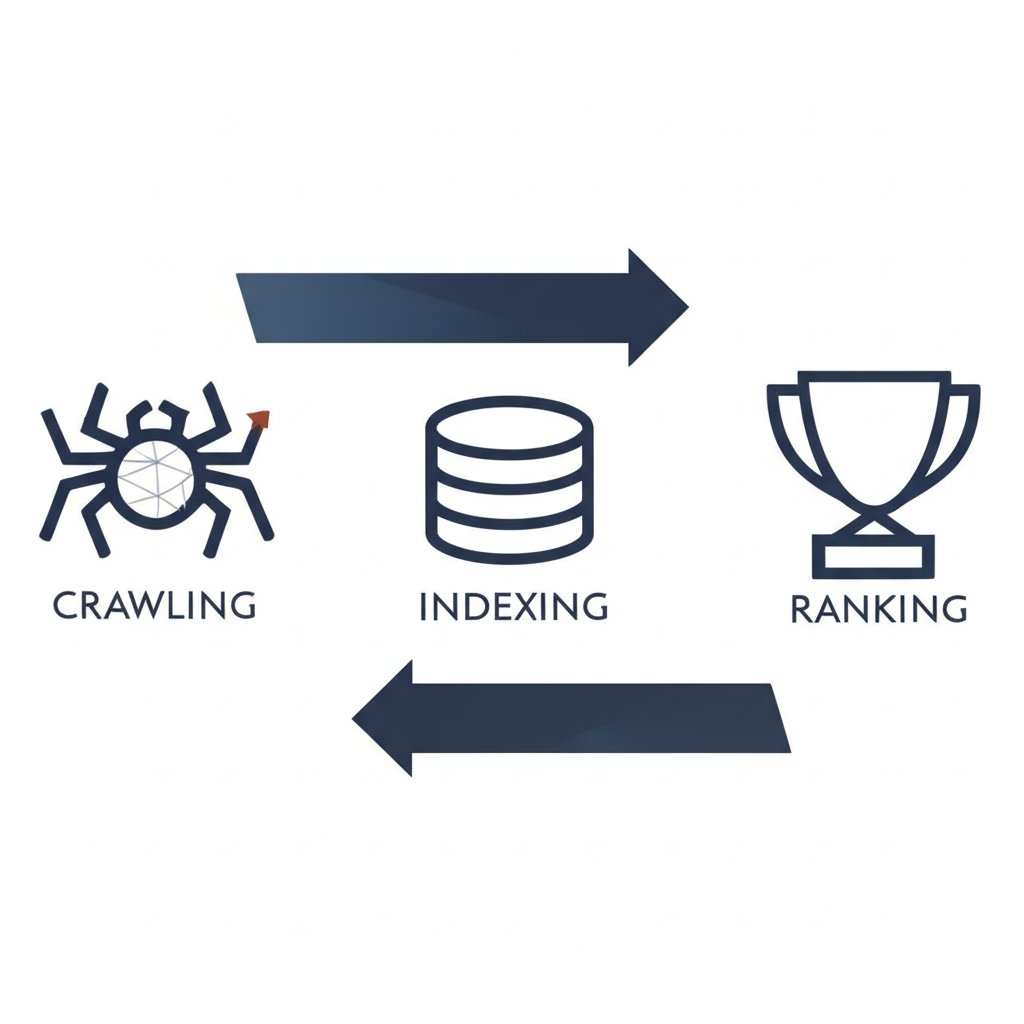
Before a website can attract visitors from a Google search, it must first be included in Google's massive digital library, known as the index. Google indexation is the process by which the search engine discovers, analyzes, and stores web pages in this library. This process begins with crawling, where automated programs called Googlebot follow links to find new and updated content. Once a page is crawled, Google renders it to understand its layout and content, and if it meets quality standards, it is added to the index.
The importance of indexation for SEO cannot be overstated. Simply put, if your page isn't in the index, it cannot rank for any keywords. All the effort put into keyword research, content creation, and link building is futile if Google hasn't indexed the page. An indexation check, therefore, is the fundamental diagnostic step to ensure your website is visible to the search engine. For a new website, getting its primary pages indexed is the first major milestone. For an established site, ensuring new blog posts, product pages, or updated content are indexed promptly is crucial for maintaining and growing organic traffic.
An indexed page is one that Google has stored and can potentially show to users in search results. A non-indexed page, on the other hand, is invisible to Google Search, even if someone searches for your exact brand and page title. This is why regularly performing an indexation check is a foundational practice in technical SEO, ensuring that your valuable content has a chance to be seen.
How to Manually Check Index Status (The Free Methods)
Verifying your site's indexation status doesn't require expensive tools. Google provides two primary free methods that are both powerful and accessible. These manual checks are perfect for quick spot-checks or detailed investigations into specific URLs.
1. The "site:" Search Operator
The quickest way to get an approximate idea of your site's indexation is by using the site: search operator directly in Google. This command restricts search results to a specific website. To check a single page, you would search for site:yourdomain.com/your-page-url. If the page appears in the results, it is indexed. To see how many pages of your entire site are indexed, you can search for site:yourdomain.com. The number of results shown gives you a rough estimate.
2. Google Search Console URL Inspection Tool
For an authoritative and detailed analysis, the best method is the URL Inspection Tool within Google Search Console (GSC). This tool provides information directly from the Google index. To use it, you must have your website verified in GSC.
Follow these steps to use the URL Inspection Tool:
- Log in to your Google Search Console account.
- Select the property (your website) you want to check.
- Enter the full URL of the page you want to inspect into the search bar at the top of the page.
- Review the results. The tool will explicitly state "URL is on Google" or "URL is not on Google."
- If the page isn't on Google, the report will provide reasons, such as a 'noindex' tag or a crawl block in your robots.txt file, helping you troubleshoot the issue directly.
Comparing the Manual Methods
Both methods are useful, but they serve different purposes. Here’s a quick comparison:
- "site:" Operator:
- Pros: Extremely fast, requires no special access, good for a quick estimate of indexed pages.
- Cons: The number of results is an approximation, not an exact count. It doesn't provide any diagnostic information about why a page might not be indexed.
- URL Inspection Tool:
- Pros: Provides definitive, detailed information directly from Google's index. It explains why a page isn't indexed and offers tools to test a live URL and request re-indexing.
- Cons: Requires you to have ownership of the site in Google Search Console. You can only check one URL at a time.
Top Automated Indexation Checker Tools
While manual checks are perfect for individual URLs, they become impractical when you need to verify the status of hundreds or thousands of pages, such as after a site migration or a major content audit. This is where automated, bulk indexation checker tools become essential. These tools programmatically check the index status of a list of URLs, saving you a significant amount of time and effort.
The primary advantage of these tools is scale. They allow you to paste a list of URLs and receive a report indicating which are indexed and which are not. However, it's important to remember that these third-party tools often rely on methods similar to the "site:" operator and may not be as definitively accurate as Google Search Console. Below is a comparison of some popular tools found in the search results.
| Tool Name | Key Feature | Pricing Model | Link |
|---|---|---|---|
| Sitechecker.pro | Full site audit and monitoring | Freemium | Sitechecker |
| Duplichecker | Bulk check up to 10 URLs | Free | Duplichecker |
| SmallSEOTools | Bulk check up to 5 URLs | Free | SmallSEOTools |
Choosing an automated tool is best for scenarios like regular SEO audits, checking a list of new pages after a product launch, or validating that old pages have been de-indexed after a site cleanup. For day-to-day checks of critical pages, the free manual methods remain the gold standard.
Troubleshooting Common Indexation Issues
Discovering that important pages aren't indexed can be frustrating, but the cause is usually a specific technical issue that can be resolved. Going beyond simply checking and learning how to fix these problems is key to a successful SEO strategy. Here are some of the most common culprits behind indexation problems and how to fix them.
-
'noindex' Meta Tag: This is a direct instruction in a page's HTML telling search engines not to add it to their index. It looks like
<meta name="robots" content="noindex">.How to Fix: Remove this meta tag from the
<head>section of the page's HTML. After removing it, use the URL Inspection Tool in GSC to test the live URL and request re-indexing. -
Blocked by robots.txt: The
robots.txtfile on your server can contain "Disallow" rules that prevent Googlebot from crawling specific pages or directories. If Google can't crawl a page, it can't index it.How to Fix: Edit your
robots.txtfile to remove the rule that is blocking the page. You can use GSC's robots.txt tester to identify the problematic rule and validate your fix. -
Crawl Errors: If Googlebot encounters an error when trying to access your page, it can't index it. This includes server errors (5xx status codes) or pages not found (404 status codes).
How to Fix: Use the Page Indexing report in GSC to identify crawl errors. Work with your developer to fix server issues or, for 404s, restore the page or implement a 301 redirect to a relevant, live page.
-
Low-Quality or Thin Content: Google may choose not to index pages that it deems to be of low value to users. This can include pages with very little unique content, duplicate content, or auto-generated text.
How to Fix: Improve the content by adding unique, helpful information, images, and a better user experience. For marketers and creators aiming to scale high-quality content, AI-powered tools can be a significant asset. For instance, platforms like BlogSpark can help generate engaging, SEO-optimized articles, ensuring your content meets the quality threshold required for reliable indexation.
-
Manual Actions: In rare cases, a site may have a manual action from Google for violating webmaster guidelines, which can lead to de-indexing.
How to Fix: Check the Manual Actions report in GSC. The report will detail the issue and the steps required to fix it. Once you've resolved the problem, you must submit a reconsideration request.

Frequently Asked Questions
1. What is an indexation check?
An indexation check is the process of verifying whether a specific web page or an entire website has been successfully added to Google's search index. It's a fundamental SEO task to confirm that your content is discoverable through search engines. If a page is not indexed, it cannot appear in search results.
2. How do I check if my page is indexed by Google?
The two most reliable free methods are using the "site:" search operator (e.g., site:yourdomain.com/page-url) for a quick check, or using the URL Inspection Tool in Google Search Console for a definitive and detailed status report directly from Google.