

TL;DR
Anchor text is the visible, clickable text in a hyperlink, often appearing in a different color and underlined. It is a fundamental element for both user experience (UX) and search engine optimization (SEO), providing essential context to users and search engines about the content of the linked page. Using descriptive, relevant anchor text helps improve search rankings and guides website visitors effectively.
What Is Anchor Text and Why Is It Important for SEO?
At its core, anchor text is the word or phrase users click on to navigate from one web page to another. In an HTML document, it's the content wrapped within an `<a>` tag. For example, in the code `<a href="https://example.com">this is the anchor text</a>`, the phrase "this is the anchor text" is what appears on the page as the clickable link. This text serves a critical dual purpose that is foundational to modern SEO and web navigation.
For users, anchor text acts as a signpost, setting expectations for what they will find if they click the link. Descriptive anchor text enhances usability by helping visitors navigate a website logically and find the information they need without confusion. A link that says "view our comprehensive guide to houseplants" is far more helpful and trustworthy than a generic one that simply says "click here." This clarity improves user engagement and builds trust.
For search engines like Google, anchor text is a powerful contextual signal used to understand the topic of the linked-to page. When multiple websites link to a page using similar descriptive terms, it reinforces that page's relevance for those terms, which can significantly influence its ability to rank in search results. Before sophisticated algorithms like Google Penguin, this system was often manipulated through keyword-stuffing. Today, search engines analyze anchor text as part of a much broader set of signals, including the surrounding text and the authority of the linking domain, to determine relevance and quality.
The Main Types of Anchor Text (With Examples)
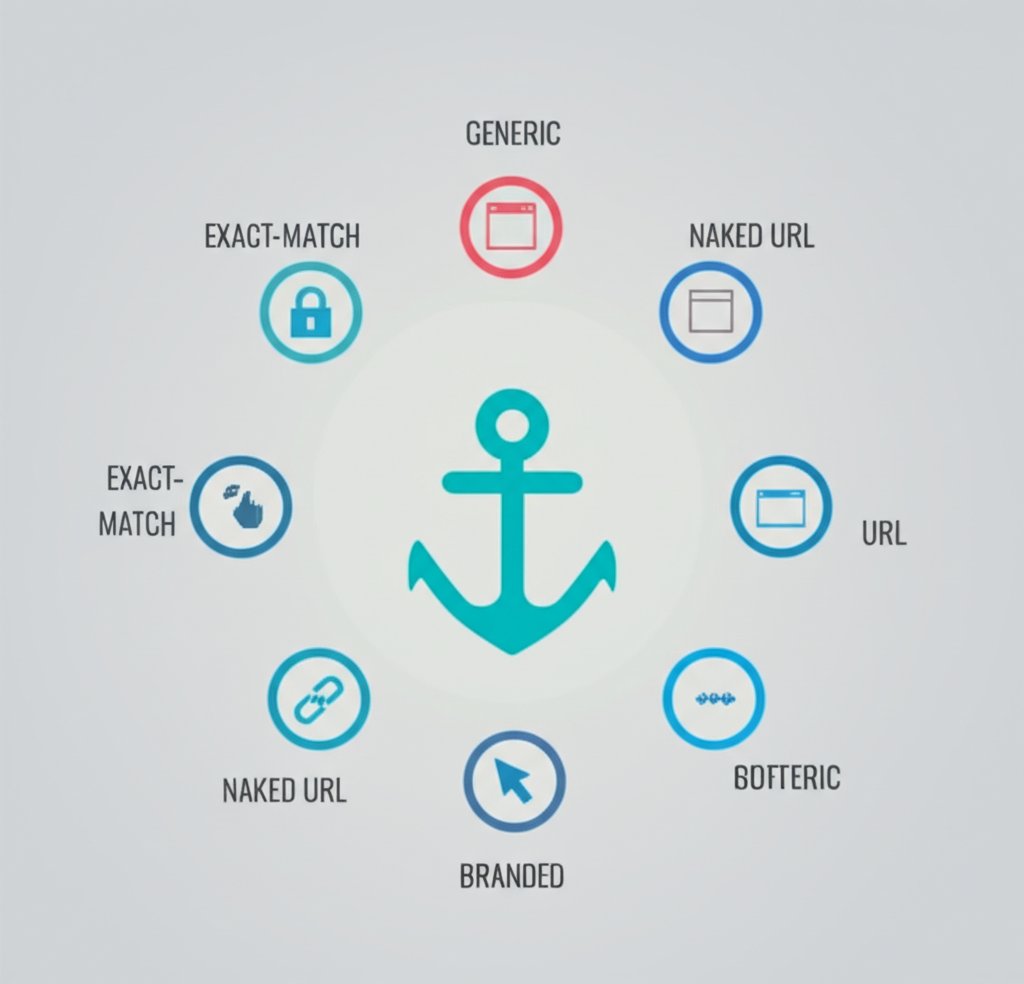
To create a natural and effective linking strategy, it's important to understand the different categories of anchor text. Using a diverse mix of these types signals a healthy and organic link profile to search engines, while over-relying on a single type, especially exact-match, can appear manipulative. Each type serves a different purpose and sends a unique signal.
From highly specific keywords to simple brand names, the variety in how pages are linked provides a more complete picture of a website's content and its relationship to other pages on the web. Below is a breakdown of the most common types of anchor text, their characteristics, and their typical impact on SEO.
| Type of Anchor Text | Definition | Example | SEO Impact & Use Case |
|---|---|---|---|
| Exact-Match | The anchor text is the exact target keyword of the linked page. | A link using "running shoes" that points to a page about running shoes. | Very powerful for SEO but carries a high risk of penalty if overused. It should be used sparingly to avoid appearing manipulative. |
| Partial-Match | Includes the target keyword along with other words, creating a variation. | "find the best running shoes" | A strong and safer alternative to exact-match. It provides context while maintaining a natural feel. |
| Branded | Uses a brand name as the anchor text. | A link to Yoast's website using the anchor "Yoast". | Excellent for building brand authority and is considered a very safe and natural type of link. |
| Naked Link | The URL of the destination page is used directly as the anchor text. | https://www.example.com | Considered natural, especially in citations or source lists. It offers little direct keyword value but contributes to a diverse profile. |
| Generic | A non-descriptive, action-oriented phrase. | "Click here", "Read more", "Learn more" | Offers very little SEO value as it provides no context. It is generally discouraged for both SEO and accessibility. |
| Image Anchor | When an image is linked, search engines use its alt text as the anchor text. | `<img src="..." alt="blue running shoes">` | The alt text should be descriptive, functioning just like text-based anchor text to provide context for the link. |
A healthy link profile features a blend of these anchor text types. While branded and partial-match anchors often form the bulk of a natural strategy, the other types appear organically as well. The key is to prioritize clarity for the user and avoid patterns that look like an attempt to manipulate search engine rankings. A varied and natural approach is always the most sustainable strategy.
How to Write SEO-Friendly Anchor Text: Best Practices
Crafting effective anchor text is about striking a balance between providing clear context for users and sending the right signals to search engines. Good anchor text should feel like a natural part of the content, not a forced SEO tactic. By following a few key principles, you can ensure your links are helpful, descriptive, and optimized for performance.
- Be Relevant and SpecificThe most important rule is that your anchor text must accurately describe the content of the page it links to. Misleading users with irrelevant anchor text creates a poor experience and is a practice search engines penalize. Instead of a vague link, use a phrase that provides specific context.Bad Example: To learn about our services, click here.Good Example: Learn more about our professional SEO services.
- Keep It ConciseWhile your anchor text should be descriptive, it doesn't need to be a full sentence. Aim for a concise phrase that captures the essence of the linked page. Short, clear anchors are easier for users to scan and understand quickly. A good rule of thumb is to keep it to five words or less where possible.Bad Example: You can read our complete guide that explains all the different types of coffee beans.Good Example: Our guide explains the different types of coffee beans.
- Avoid Keyword StuffingThe era of cramming exact-match keywords into every link is long over. Google's Penguin algorithm update specifically targeted sites with over-optimized anchor text profiles. Repeatedly using the same keyword-heavy anchor text for internal or external links looks unnatural and can harm your rankings. Instead, use variations, synonyms, and related phrases.Bad Example: We sell cheap running shoes. Our cheap running shoes are the best. Check out these cheap running shoes today.Good Example: We offer a wide variety of affordable running shoes. Explore our collection to find the best footwear for your next race.
- Ensure a Natural FlowAnchor text should fit seamlessly into the surrounding sentence and the overall flow of the content. If a link feels awkward or out of place, it probably is. Prioritize readability above all else. For teams looking to scale content production while maintaining these best practices, advanced tools can be beneficial. For example, marketers and creators can explore platforms like BlogSpark, the ultimate AI blog post generator, which helps transform ideas into engaging, SEO-optimized articles with well-structured links.
Frequently Asked Questions About Anchor Text
1. What is an example of an anchor text?
An anchor text is the clickable text in a link. For instance, in the sentence, "You can learn more by reading our guide to internal linking," the phrase "guide to internal linking" is the anchor text. It tells the user exactly what kind of information to expect on the destination page.
2. How do you write good anchor text?
To write good anchor text, focus on being relevant, concise, and natural. The text should accurately describe the linked page without being overly long. Avoid generic phrases like "click here" and instead use descriptive terms that fit naturally within the sentence. It's also important to vary your anchor text to create a diverse and healthy link profile.
3. What does an anchor text look like?
Visually, anchor text typically stands out from the rest of the content. On most websites, it appears as blue, underlined text, although the specific styling can vary. When a user hovers their cursor over it, the link's destination URL is often displayed in the browser's status bar, and the cursor changes to a pointer to indicate it is clickable.


